Recording and music,
processed right on your computer
Cut and convert audio, record your voice, remove background noise and turn text into speech. Nothing to install, no sign-up.
No matching tool yet. More are coming soon.
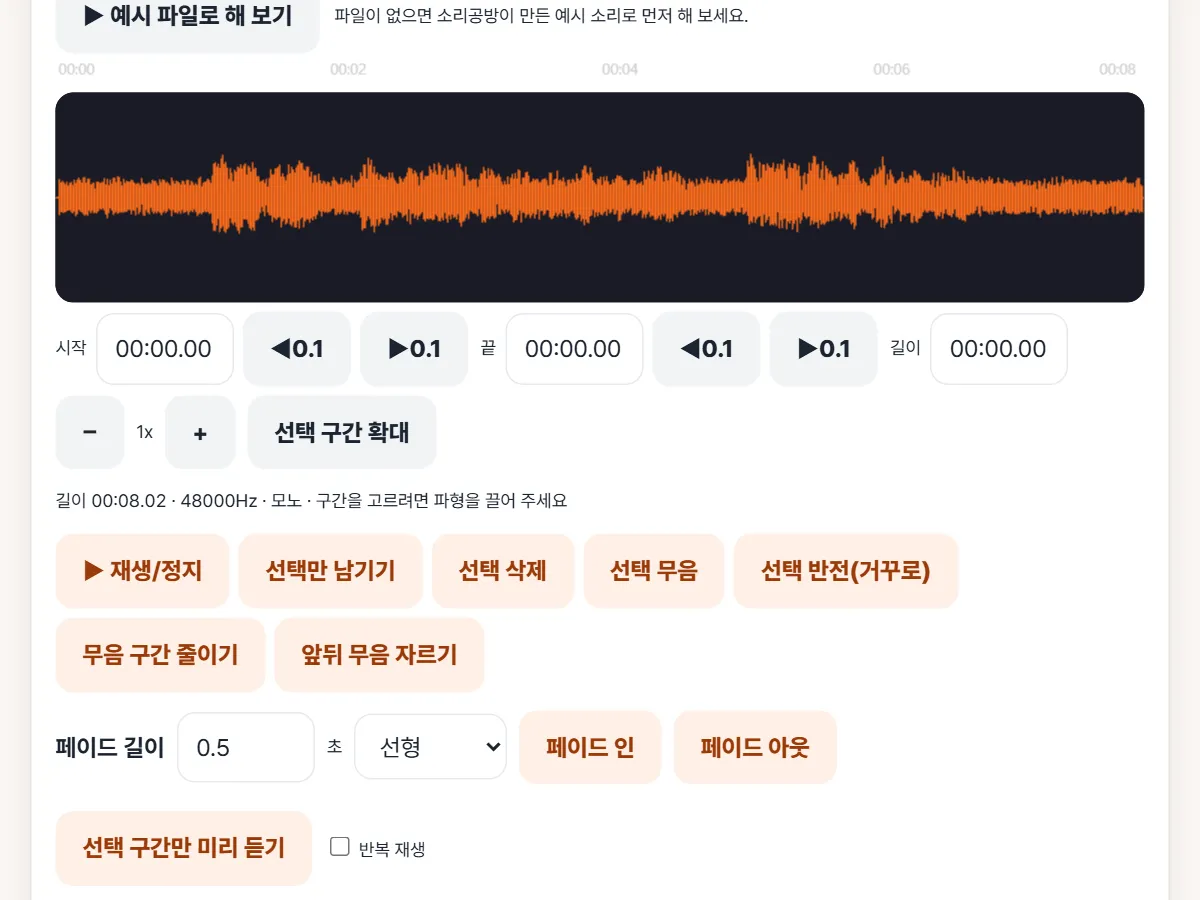
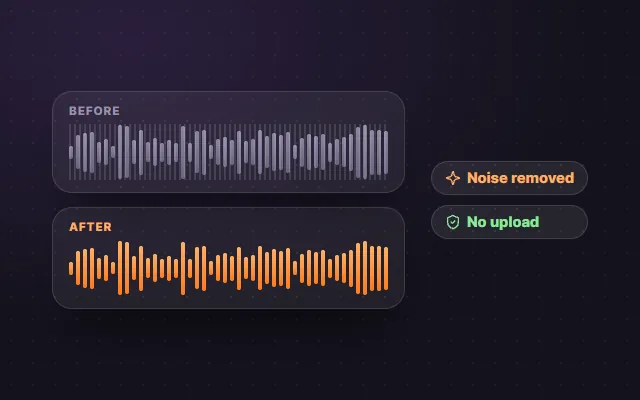
Hear the before and after
Switch between the original and the result at the same spot with one tap. These are our own example clips.
One-click studio sound
A quiet recording with noise and hum, cleaned up to podcast quality.
Try this toolThe examples were made with our AI voice and synthesized sounds. Real results depend on your original recording.
New
Turn recordings into speaker-labelled transcripts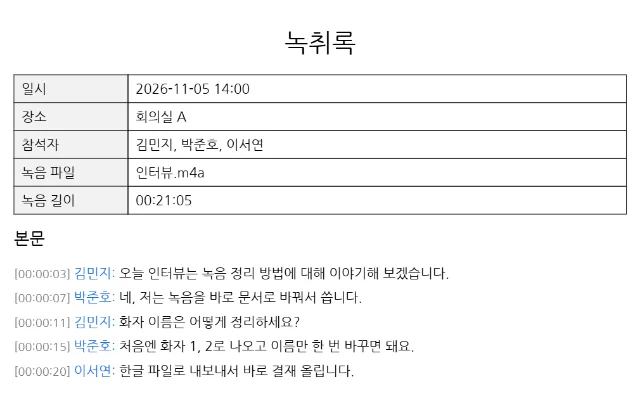
Popular tools
Take a look and start right away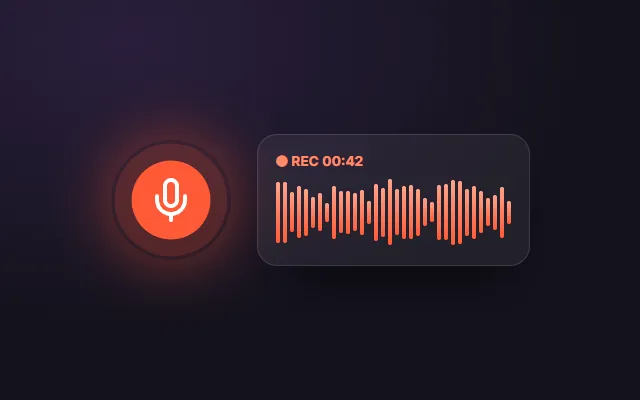 Popular
 Popular
All tools
Voice & text9
Voice Noise Remover
Reduce background noise in voice recordings.
Voice & textOnline Voice Recorder
Record from your mic, trim the silence and save.
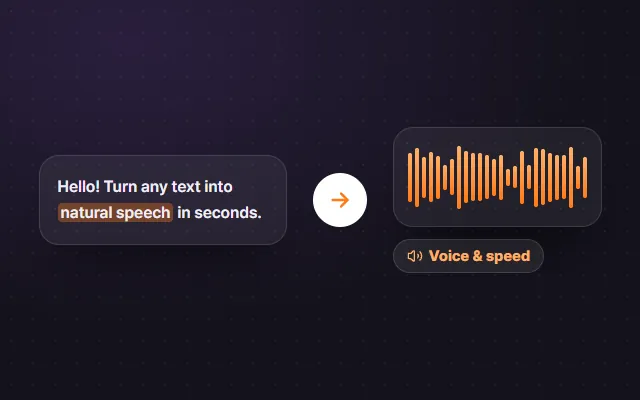
Voice & textText to Speech (TTS)
Have any text read aloud by your browser.
Voice & textOne-Click Studio Sound
Clean up, level and normalize voice recordings in one click.
NewSilence & Filler Cutter
Find long pauses and possible um/uh sounds in speech, then pick what to cut.
NewAudio to Text Converter
Turn recordings into editable text with Whisper AI in your browser. Export TXT, SRT, VTT or Word.
Voice & textSubtitle Generator (SRT · VTT)
Make timed SRT/VTT subtitles from any video, with optional English translation.
Voice & textAI Meeting Notes
Transcript split by speaker, plus key sentences, to-dos and decisions. Export Word.
Voice & textVoice Changer
Robot, chipmunk, deep, echo and more, live with earphones or applied to a file.
Voice & textEdit & convert10
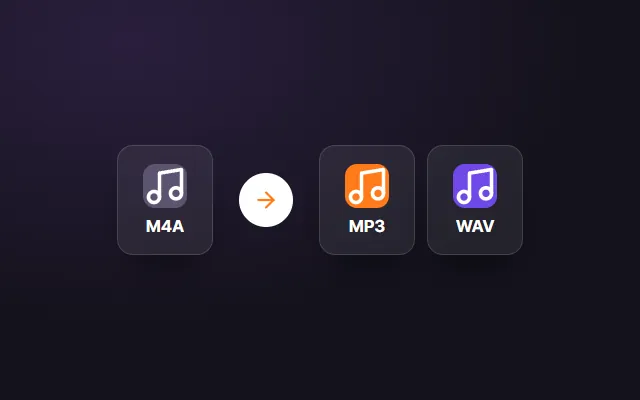
Audio Converter (MP3 · WAV)
Convert WAV, M4A, OGG or MP4 audio to MP3 or WAV.
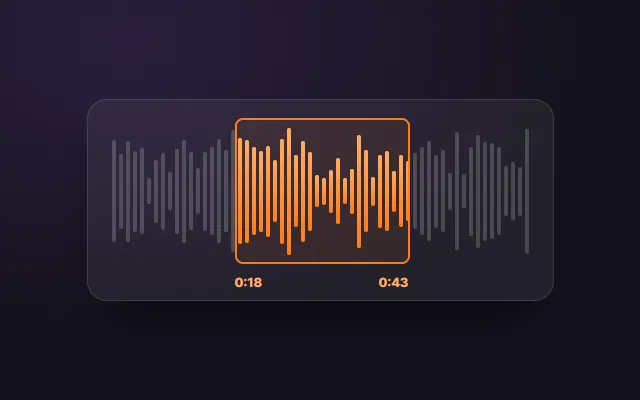
PopularMP3 Cutter
Select a range on the waveform and save just that part.
PopularLoudness Normalizer (LUFS)
Measure LUFS and match -14/-16/-23 targets.
NewRingtone Maker
Make an iPhone M4R or Android MP3 ringtone.
NewMP3 Tag Editor
Edit title, artist, album and album art.
NewOnline Audio Editor
Cut, fade, EQ, change speed and normalize LUFS in one pass.
Edit & convertMerge MP3 Files
Join audio files with per-file start/end, drag to reorder and crossfade.
Edit & convertIncrease Volume & Normalize
Make quiet audio louder or match -14/-16/-19/-23 LUFS with a -1 dBTP limit.
Edit & convertChange Pitch and Tempo
Slow down or speed up songs and shift the key by semitones, separately.
Edit & convertFade In/Out & Remove Silence
Trim silence at both ends, add fades and normalize the peak.
Edit & convertMusic9
BPM & Key Finder
Detect a song's tempo and key, many files at once.
Vocal Remover & Karaoke Maker
Split a song into instrumental, vocal, drums and bass.
NewChord Finder
Find a song's chord progression and key.
NewAudio to MIDI (Polyphonic)
Turn piano, guitar or a melody into MIDI, chords included.
MusicOnline Metronome
Accents, subdivisions, tap tempo, tempo trainer and a practice log.
MusicOnline Tuner
Guitar, bass, ukulele, violin, viola and cello, with a reference tone for every string.
MusicOnline Piano
Two octaves with mouse, touch or computer keyboard; record and MIDI input.
MusicVocal Range Test
Find your lowest and highest notes and your voice type.
MusicEar Training
Name notes, intervals and chords at three difficulty levels.
MusicMeasure & test3
Popular guides
Do my files really stay on my device?
Open your browser's developer tools (F12), go to the Network tab and use a tool. You can check for yourself whether any request uploads your file.
Audio guides
1Nothing to install: three steps
Files are never uploaded to a server. Even heavy processing happens inside your browser.